

Many people look for gaming room ideas after a small living room or bedroom fills up with screens, controllers, and tangled cords. Bright RGB lights, stacks of games, and extra chairs can quickly overwhelm even organized spaces, making it hard to relax or focus.
If you want a setup that feels calm and clear, it means changing what stays out, disguising what doesn’t belong, and choosing furniture that works double-duty. This works especially well in a small apartment when every zone is shared or a spare room simply isn’t available because clean surfaces and closed storage let the space do more with fewer distractions.
The short version: The best gaming room ideas for small apartments use a single clear desk area, warm lighting, and stored-away gear to reduce visual clutter. Choosing fewer, smarter pieces creates a calm, multi-use setup that works for both focused play and quiet downtime.
Key takeaways
- A calm gaming room works best when all cables and gear are hidden from view between sessions.
- Task lights with soft bulbs support both gaming and reading without a harsh glow.
- Floating wall shelves keep essentials close but leave most surfaces clear.
- Ergonomic chairs support long sessions and make a setup feel considered, according to Argos.
- A small gaming room feels less cluttered when the colour palette is mostly neutral, with only a couple of accent shades.
- What makes a small gaming room feel calm instead of cluttered?
- Choosing one desk and chair that actually earn their footprint
- How to layer task lighting without the RGB overload
- Storage that hides cables and controllers, not just decor
- Where this works best
- Styling and placement
- How do you set up a multi-use gaming and study room?

What makes a small gaming room feel calm instead of cluttered?
A small gaming room stays calm when all tech and extras have a hidden place, and most surfaces stay open between uses. Sticking to two main colours stops the space from feeling busy.
Many small homes rely on a living room or bedroom that doubles as the gaming space, so every console, cable, and controller can land in plain view. When open shelves are filled with collectibles or “just in case” tech, there is little room left for the eye to rest. Instead, a wall-mounted pegboard or a closed storage box underneath the desk keeps things simple.
Usually, the colourful glow from multiple LED strips pulls focus away from the rest of the room. Swapping these for one or two small warm-toned lamps gives the same functionality with half the distraction. A plain wood tray on the desk softens the tech and is easy to move for work, gaming, or clearing away.
Unlike a hard-edged, all-black gaming setup, adding a soft rug or a fabric chair pad quiets the look and absorbs some sound. Sticky plastic surfaces reflect more light than fabric or matte wood, so softer finishes feel easier on the eyes. A clean desk with hidden cables sets the tone for the whole area.
Having a spot on a floating shelf for only what is used daily means the rest can stay put away, ready but not crowding the space. For small rooms, it’s the closed drawer or clear-out rule that makes daily tidying possible.
Choosing one desk and chair that actually earn their footprint
The right gaming desk and ergonomic chair support focus and comfort for hours, but also work for reading or laptop use. A streamlined set keeps your footprint small and your options open.
Many follow IKEA’s gaming room guidance: grouping setups with one gaming desk and a proper mesh or ergonomic chair for long sessions (IKEA’s gaming room). Unlike a flashy gaming “command center,” a plain wood or white desk fits in both a bedroom or a living space, and a mesh chair blends with any decor.
Some setups try to fit a desk, bulky gaming chair, beanbag, and side table all in one; that makes movement tricky and looks cramped. Instead, one sturdy desk with hidden support bars means more leg room, while a chair on wheels that tucks in tight lets you walk through or pull up for daily use. Most gaming desks have a depth that works for both monitor setups and laptop work.
Going for extra-wide desks can seem smart until space shrinks for other things. A narrow desk placed along the window wall leaves the rest of the room free for other uses. Pairing the desk with a simple storage living room cube or bench underneath doubles as both leg rest and controller storage.
This works in any shared bedroom or study room where space limits rule out extra furniture. A chair with clean lines supports game hours today and reading or study tomorrow.
How to layer task lighting without the RGB overload
Task lighting feels comfortable when soft ambient sources and a small focused lamp avoid harsh RGB effects. Mixing one accent light with desk lighting supports both play and reading.
A common gaming room idea is to add strips of RGB lighting behind every screen or shelf, but this often creates a rainbow effect that feels restless at night. Switching to a matte desk lamp with a warm bulb reduces glare and lets other room features shine.
Layering is about combining one overhead source, like a rice-paper shade or a linen pendant, with a focused desk lamp. This avoids the “all on” look of cold LEDs. According to Elevenmark’s roundup of setups, keeping accent lighting warm and indirect creates a more inviting feeling, even in a tech-filled room.
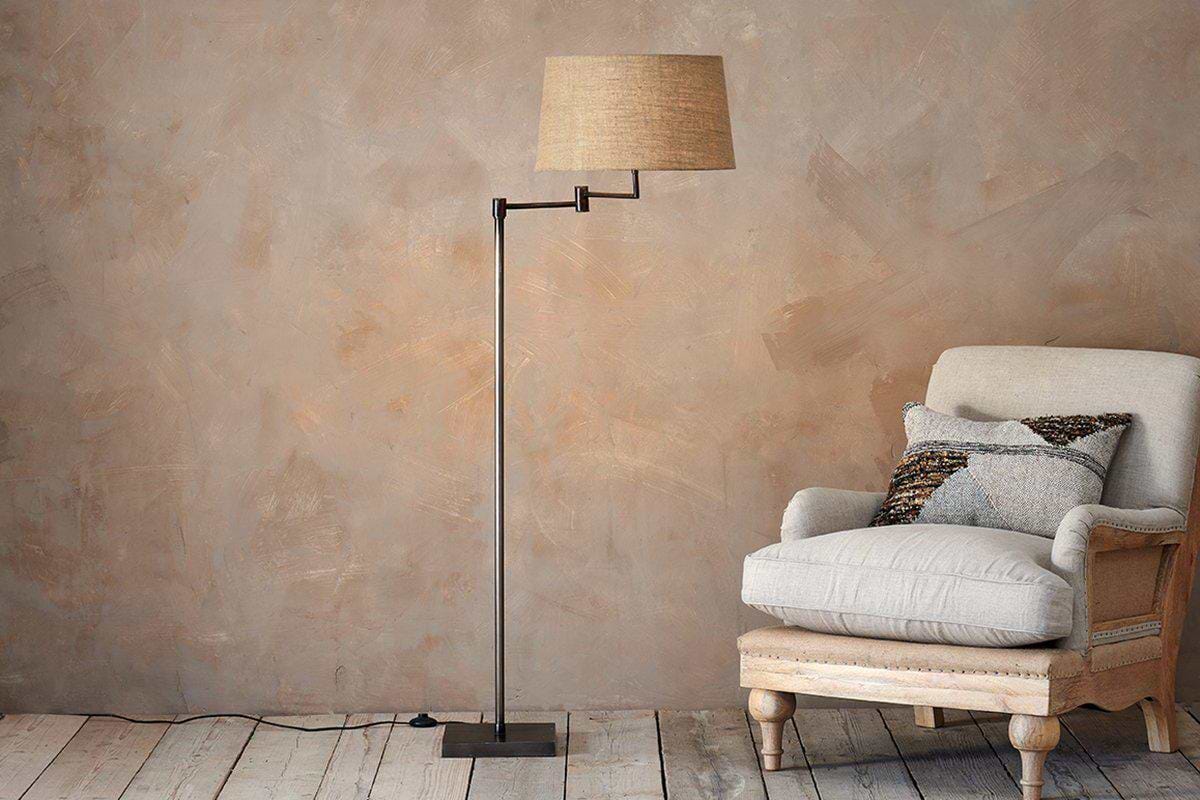
Unlike a fixed neon sign, a plug-in accent lamp can move from shelf to floor. If a corner floor lamp stands beside a beanbag or chair, it can act as a reading nook after gaming hours. A crisp desk light helps with focus, while a wall sconce can highlight display shelves without overpowering the space.
Choosing a small ceramic or linen shade changes the feeling on a side table or bookshelf, absorbing a bit of blue light and keeping the energy soft, especially in a long living room or open-plan area.
Storage that hides cables and controllers, not just decor
Gaming room storage works best when all wires, remotes, and extra gear can be tucked out of sight in closed bins or drawers. Shelves and units should be more than display, they keep essentials clear but hidden.
Cables are always the hidden struggle. An organizer tray underneath a floating shelf, or a cable sleeve clamped to the back of a desk, avoids knots and trip hazards. Many people try to use open cubbies, but those often catch dust and show off everything you want to hide.
Elevenmark highlights floating shelves and the IKEA KALLAX as favorites for a reason: closed baskets or fabric boxes turn open units into proper storage that looks consistent (source). Black hard plastic or glass may show fingerprints and smears quickly, so canvas or textured bins hold up better over time. In a storage living room setup, putting all chargers and power bricks in one lidded box means you can stack the rest or slide it away when guests arrive.
Compared to wide open display, using the back of a cabinet door with self-adhesive hooks holds backup controllers or headphones and removes them from view. A few anchored command strips support cable runs along baseboards with almost no visual impact.
Good storage decisions anchor the feeling of calm. Stowing the bulk of tech gear and game boxes behind a solid door or in soft-sided bins keeps the floor and surfaces looking open and easy to clean.

Where this works best
Calm gaming setups thrive in spare bedrooms, split living rooms, or rented apartments with shared walls. Every approach needs to work with a lack of extra rooms and tight layouts.
Shared spaces like a studio apartment or a family living room need gaming solutions that don’t dominate the entire floor. Having a desk zone along a window wall, or an alcove in the corner, means the same room can double as a study area, making more out of tight quarters. For small bedrooms with a low bed or minimal furniture, it’s best if the desk faces away from the sleeping zone, building a visual break.
Dual-purpose setups are especially strong in open-plan apartments, where a single wall or storage divider turns half a room into a focused spot. Many people use a KALLAX unit or similar cube shelf as both media storage and a divider between gaming and relaxing zones, as recommended by IKEA also lists in their gaming essentials.
Avoid putting all the tech in the center of a small room, which blocks movement and makes cleaning harder. Instead, anchor the main desk near an outlet, with storage running along the lowest point of the wall. Setting up the organization on one side creates a pass-through and saves floor space.
Homes with shared sound rules or thin walls may prefer setups where all speakers face inward, or headphones become the norm. That’s one less thing that dominates the area.
Styling and placement
Styling a gaming space works best when natural materials and simple shapes replace busy patterns and clutter. Surface space left open keeps the look light.
Most gaming setups load every surface with gear, but leaving some empty space, on shelves, the floor, or even the top of a storage unit, brings quiet to the look. Instead of arranging collectibles edge to edge, setting just one or two favorite pieces against a neutral wall keeps the mood calm and the dusting easy. Soft textures like a wool rug or a felt desk mat break up all the hard lines.
Using consistent colors across the biggest items, the chair base, storage boxes, shelves, lets even strong game-themed accents stand out. Neutral wall paint, soft tan or grey textiles, and plain wood shelves work well together. Warm shades look gentler under white lights than hard black or bright blue.
Placing a closed bin under the desk, a floating shelf just above monitor height, and a throw on a nearby chair works in a study room or any modest bedroom layout. A shelf just above the screen means the rest of the wall stays clear.
Quick calm checklist:
- Use closed bins or boxes for all extras, no piles of controllers or remotes.
- Keep the palette to two main colours, with one accent shade for personality.
- Leave at least half of each shelf or desktop clear; group by finish, not theme.
- Add a natural texture, like a clay pot or a wool throw, for a softer look.
- Anchor one main focal point, often the desk, then keep other surfaces empty.
Placing a jute basket for loose items and using a felt mouse pad on the desk are subtle, daily ways to keep the room grounded and clear.
How do you set up a multi-use gaming and study room?
A multi-use gaming and study room works when everything can be put away after play, and lighting adapts for work or game time. Switching modes depends on fast storage and a low-key palette.
For many, the same desk serves as both office and gaming base. Setting up the monitor on an arm lets you push it back for paperwork, and a wireless keyboard tucks easily into a drawer between uses. Task lighting on the desk with a dimmer means the space can glow for browsing or drop low for relaxed game sessions.
Unlike rooms that stick to one theme, a multi-use setup does more with less. The wall color stays muted, furniture is easily shifted, and storage with handles means even kids or guests can open and hide away gear. Elevenmark’s roundup of practical gaming room ideas points out that doubling up uses is now common, even in tight spaces.
Compared to a purpose-built office, a double-duty room has to protect what matters to both hobbies. Using trays, soft bins, and a pegboard for hanging headphones or notebooks makes switching between study and play far easier. Keeping the gaming setup ready but out of sight after one minute of clean-up is the lasting rule of thumb.
Rooms with low light or a long layout benefit if the desk sits near the window during the day and a portable lamp moves for night gaming. Some choose headphones over speakers so shared homes stay peaceful even during long sessions.
There comes a point where the room feels busy, even after tidying, and you wonder what still looks off. Often the mix of too many colors, loose cords, or an uneven stack of gear makes the quiet of the room vanish. The fix is picking one focal zone (the desk or TV unit), calming the palette, and tucking the rest away, so every other part of the space can stay clear and useful. Suddenly, the room slows down and feels easy to reset after every use.
Most people fill shelves and surfaces with all their daily objects within arm’s reach, but that rarely feels restful for long. Sooner or later, the small things, charges, stray controllers, stacks of old magazines, seem to end up everywhere. By keeping only what you use each week out in sight, and giving everything else a door or a drawer, the room works better and looks lighter every day.
Save this idea for later.
What tends to hold up with gaming room layouts for small apartments
Studying rooms and photos from real small apartments, some principles come up again and again. Matte or textured finishes on shelving or desk mats show fewer smudges and wear than glossy plastic. Closed storage, like fabric bins or lidded boxes, consistently earns better cleaning and calmness scores from home reviewers than open cubbies packed with gear. Designers also note that simple mesh or ergonomic chairs recommended by Argos or IKEA fit with a wider range of decor, so small rooms rarely look locked into one theme or decade. These are the details that help a calm gaming spot last through seasonal trend shifts and daily use.
, Mara, Loom & Glow
Common questions
What should I have in a gaming room?
Every gaming room needs a comfortable desk and chair, good lighting, storage for gear, and a way to organize cables. Closed bins or drawers work for controllers and wires. Use a clear main desk, a soft chair, and lights you can adjust for both games and breaks.
How can I design my gaming room?
Design a gaming room by choosing one clear focal point, usually the desk, and keeping other surfaces as empty as possible. Hide cables, set up flexible lighting, and use a cohesive color palette. Closed storage and choosing only a few personal displays make the setup feel cleaner and easier to use.
How to make a gaming room for cheap?
You can create a calm gaming room on a tight budget by using simple furniture, adding DIY cable management, and shopping for used or repurposed chairs and storage boxes. Store most gear out of sight, keep colors simple, and use natural or textured accessories to upgrade the look without a large cost.
How much does it cost to set up a gaming room?
Most gaming rooms can be set up for a few hundred pounds or less if you choose basic desks, ergonomic chairs, and affordable storage. Prices go up with specialized gaming furniture, but sturdy used options work well. The best investment is often in the chair for comfort during long use, as Argos states.
Explore more calm combinations inside our Shop The Look .
Shop the Look
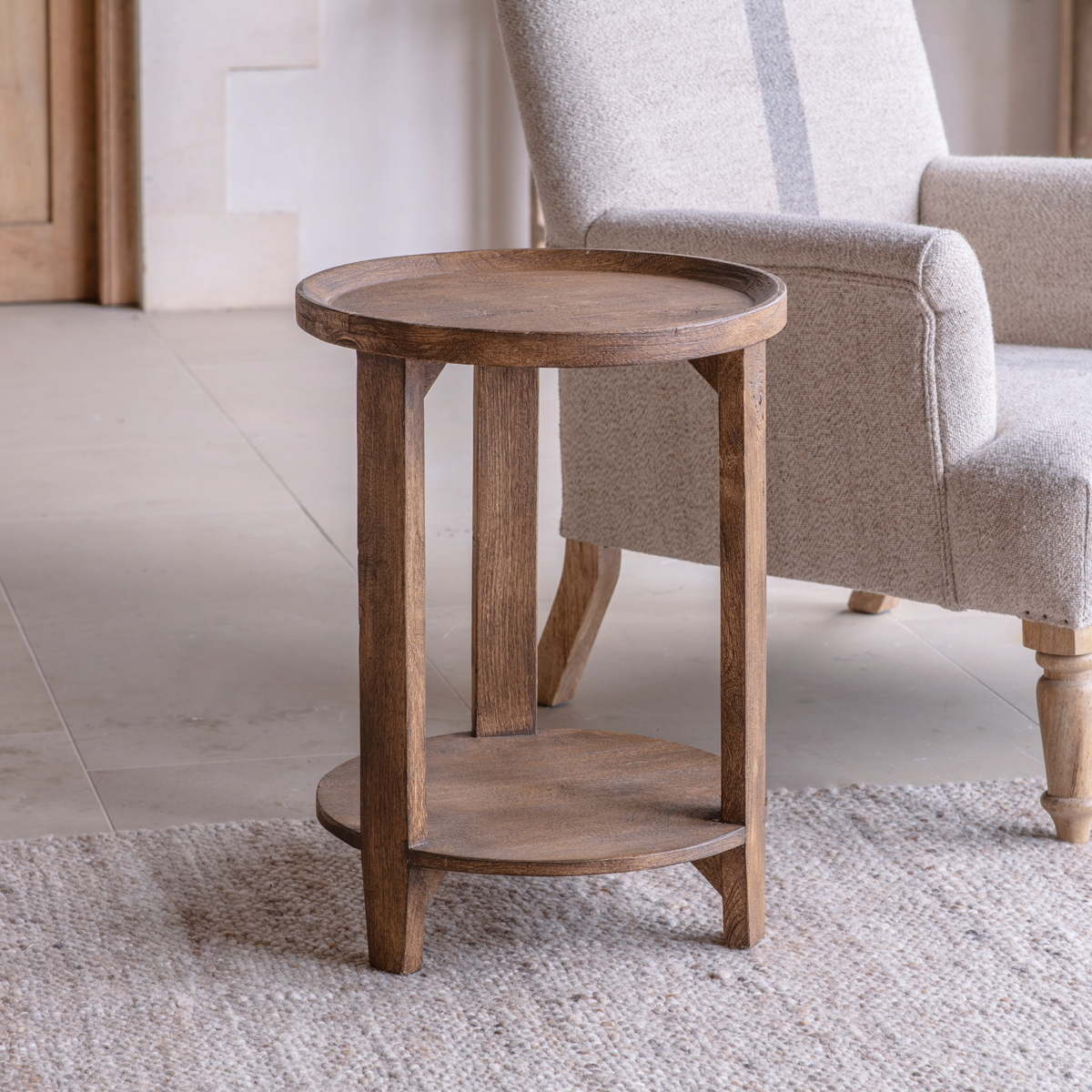
A few Nkuku pieces that anchor a focused, uncluttered gaming space without visual noise.

Nkomi Basket
Woven storage with a calm silhouette, works open or tucked under a console.
View at Nkuku →Some links above are affiliate links. If you buy through them we may earn a small commission at no extra cost to you. We only suggest pieces we think fit a calm, lived-in home.
Free guide
The Calm Shelf
12 styling ideas to help you compose calm, balanced shelves in natural texture homes.